


 Subscribe to Help Center RSS Feed
JumpCloud® AI & SaaS Management gives you visibility and control over shadow IT, including AI and SaaS app usage, within your org. Connectors detect shadow IT without adoption of a browser extension and provide a significant increase to valuable usage and security insights.
The SentinelOne Connector retrieves user list from the SentinelOne API. Using periodic polling for regular updates, it captures new users and new application associations to keep data accurate and up-to-date.
Configuring SentinelOne
- Log in to your SentinelOne account.
- In the upper right corner, click on the user.
- Go to MyUser > Actions > API Token Operations.
- Click Generate API Token.
- Copy the API token to use in JumpCloud.
Configuring JumpCloud
- Log in to the JumpCloud Admin Portal.

If your data is stored outside of the US, check which login URL you should be using depending on your region, see JumpCloud Data Centers to learn more.
- Go to Access > AI & SaaS Management > Settings.
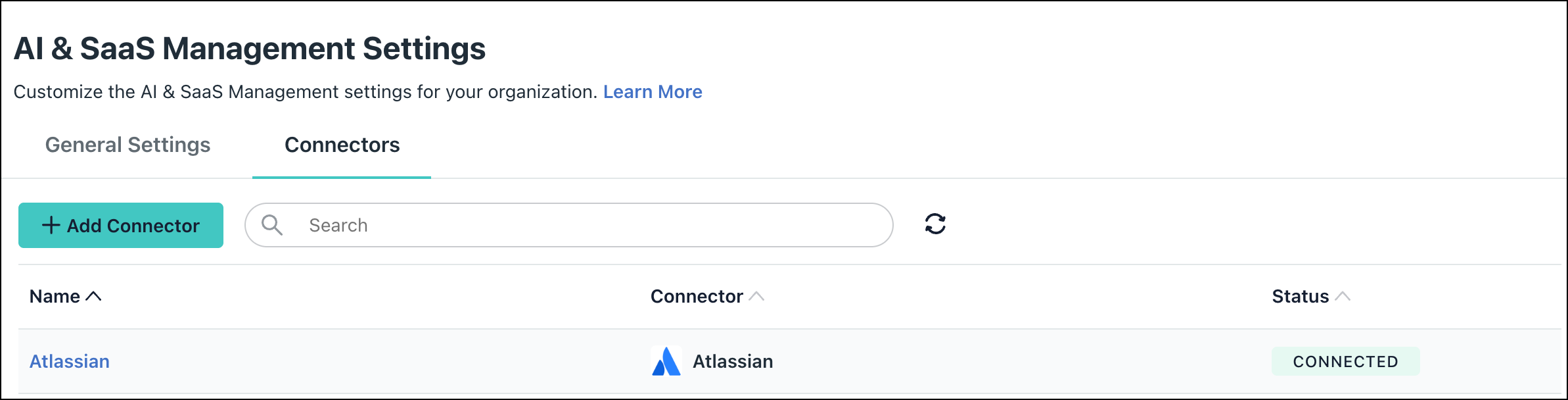
- Under AI & SaaS Management Settings, click the Connectors tab, then click + Add Connector.

- Select SentinelOne and click Connect.
- Enter a name and click Connect.
- Enter the subdomain of your management URL (in the example https://mysubdomain.sentinelone.net, the subdomain is mysubdomain).
- In the API Token field, paste the API token copied earlier.
- Click Save Connector.
- You will now see SentinelOne in your list of Connectors.
Required Permissions

If permissions are accidentally removed, or if the admin who configured left your organization, the connector will stop working and you will be prompted to Reconnect.
- Permission Scope
- Read to fetch users from the API.
Uninstall/Remove
- On the Connector’s detail page, click on Delete Connector and follow the prompts.
 In this Article
 Learn More