Remote Access: Secure Every Session
Take live control, run silent fixes, and access devices instantly. One remote access tool for your entire fleet.
Remotely Fix Any Device. From Anywhere. In Minutes.
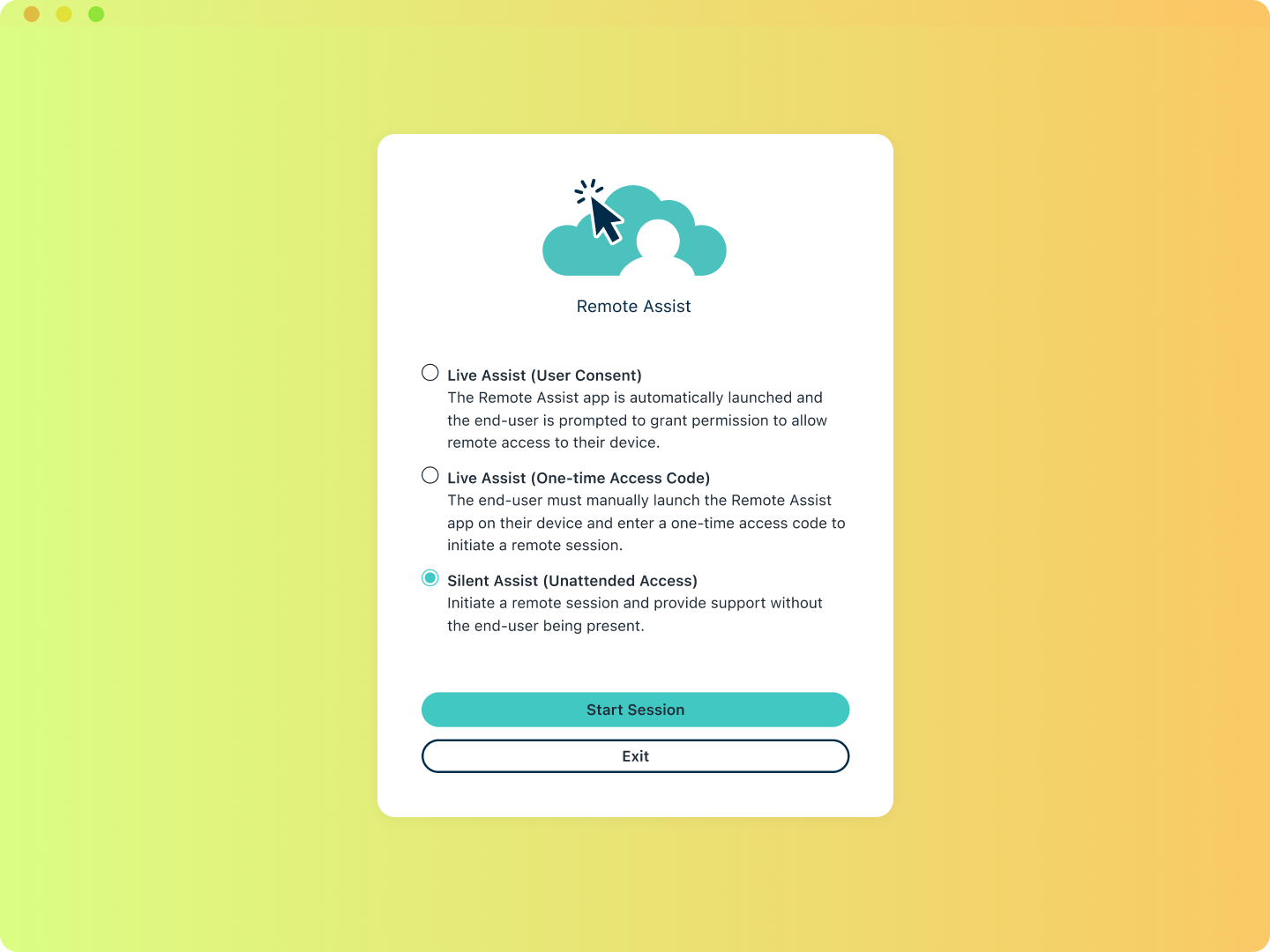
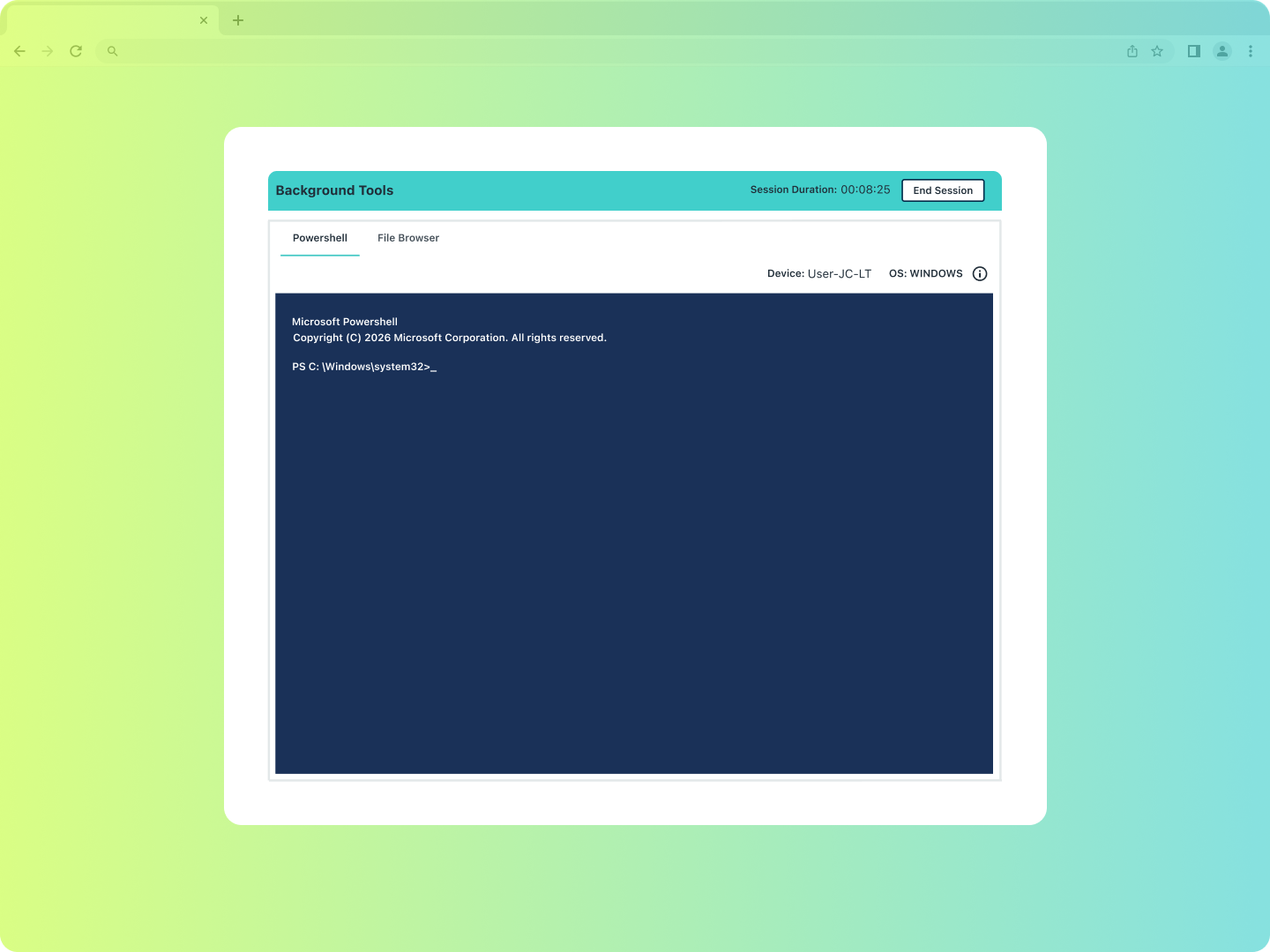
Unify your support stack with a combination of Remote Assist and Background Tools to make secure remote sessions and troubleshoot Windows, Mac, and Linux devices from a single console without third-party latency or security risks.
Take Control Instantly
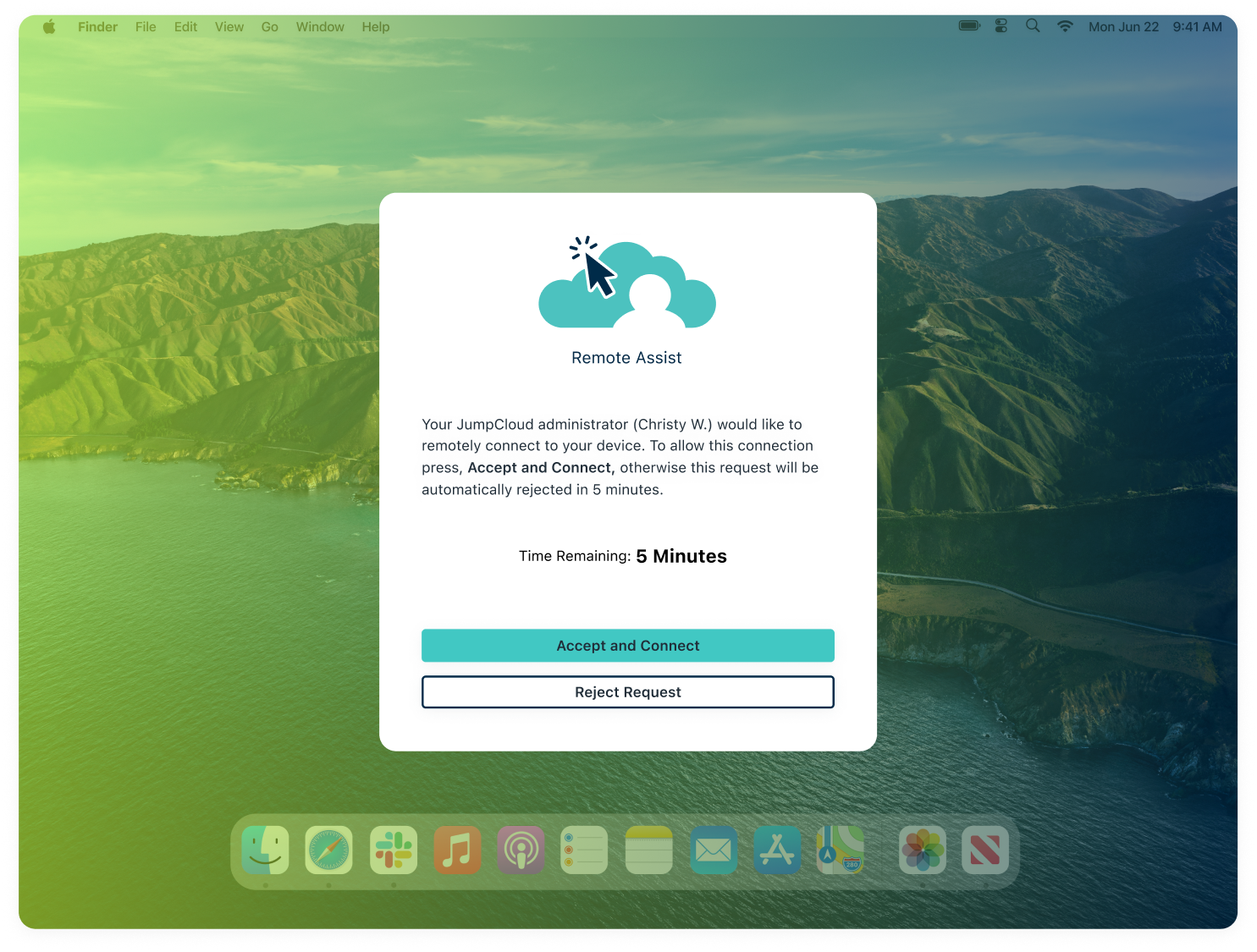
Jump into any screen in seconds. Walk the user through the fix or take over directly without any phone calls or guesswork. Remediate issues and close IT tickets swiftly.
Help Center
| Get Started: Remote AssistBlog Post
| Remote Assist Extends Critical Device Management CapabilitiesVideo Tutorial
| Remote Assist Tutorial
One Tool For Every OS
Stop toggling between OS-specific tools. JumpCloud Remote Access works across Windows, macOS, and Linux through a secure peer-to-peer channel. You can easily run commands, transfer files, and perform maintenance behind the scenes without any friction for end users.
Help Center
| Get Started: Background Tools and Remote File ManagerHelp Center
| Remote Assist FAQBlog Post
| What is Remote Assistance?
Proactive, Audit-ready Governance
Every Remote Access session is automatically logged to monitor who connected, which device, and what was done. Identify device health deviations before they escalate.
Blog Post
| DMA Feature Release BlogFeature
| JumpCloud Device Monitoring and AlertingGuide
| How JumpCloud Compares
Industry Awards & Recognition
Best Usability

Best Relationship

Leader

Best Results
Most Implementable
Try our Remote Assist Guided Simulation

Please rotate device
This interactive demo is best viewed in landscape mode.
Explore JumpCloud Open Directory Platform Capabilities

Identity Management

Access Management

Device Management