Explore Premium Features
JumpCloud encourages Admins to try, experience, and assess our features before purchase. Once you have purchased a plan with JumpCloud, any feature that is not included in your plan is considered a premium feature. A PREMIUMbadge with a telescope icon appears next to a premium feature or component to indicate that it is not part of your purchased plan, but we encourage you to explore it.
To find out which features are included in your purchased plan, refer to the Pricing page on our website or to the Account> Overviewpage within the Admin Portal. Currently, only premium features that are part of a trial you have not started will display the PREMIUMbadge. Once you have started the trial, the badge is no longer displayed. See Get Started: Trials for more information about trials.
Examples of Premium Features
Patch Management
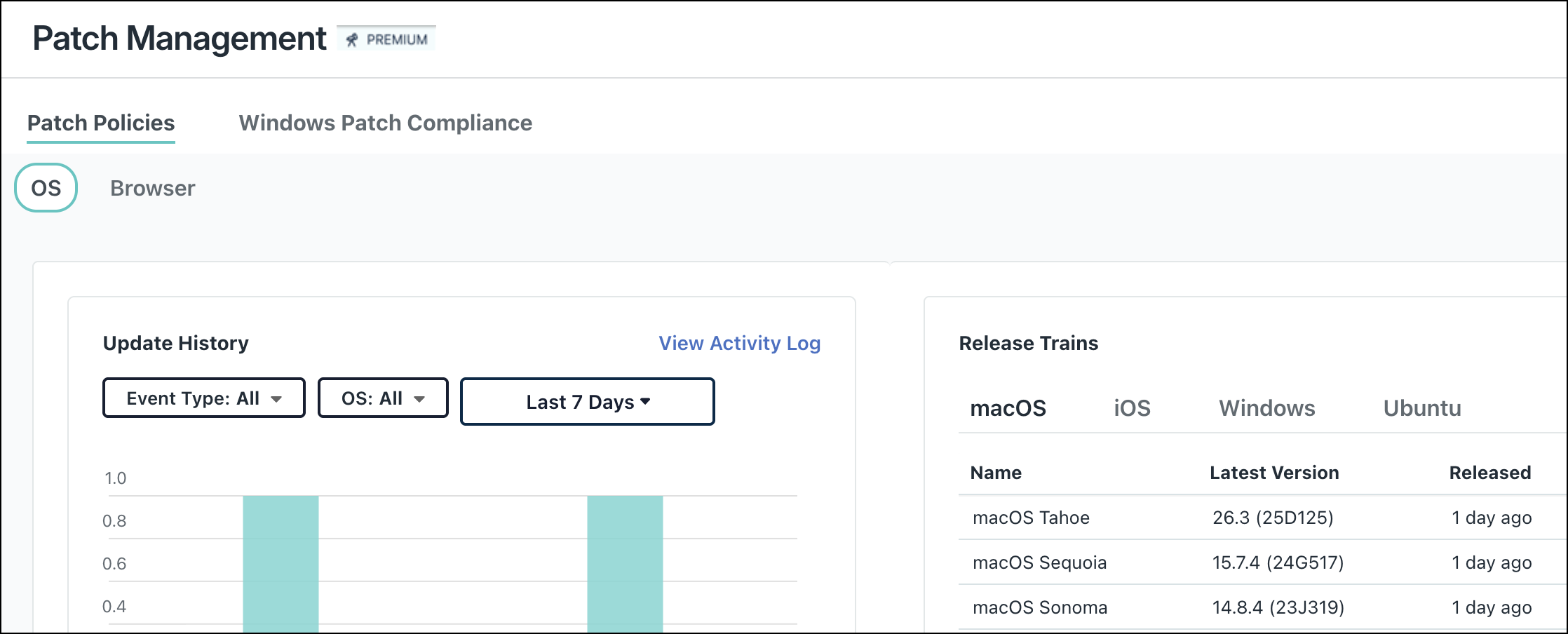
Under Device Management > Patch Management, you will see the PREMIUMbadge next to the feature header if your organization has not purchased it.
Conditional Access Policies
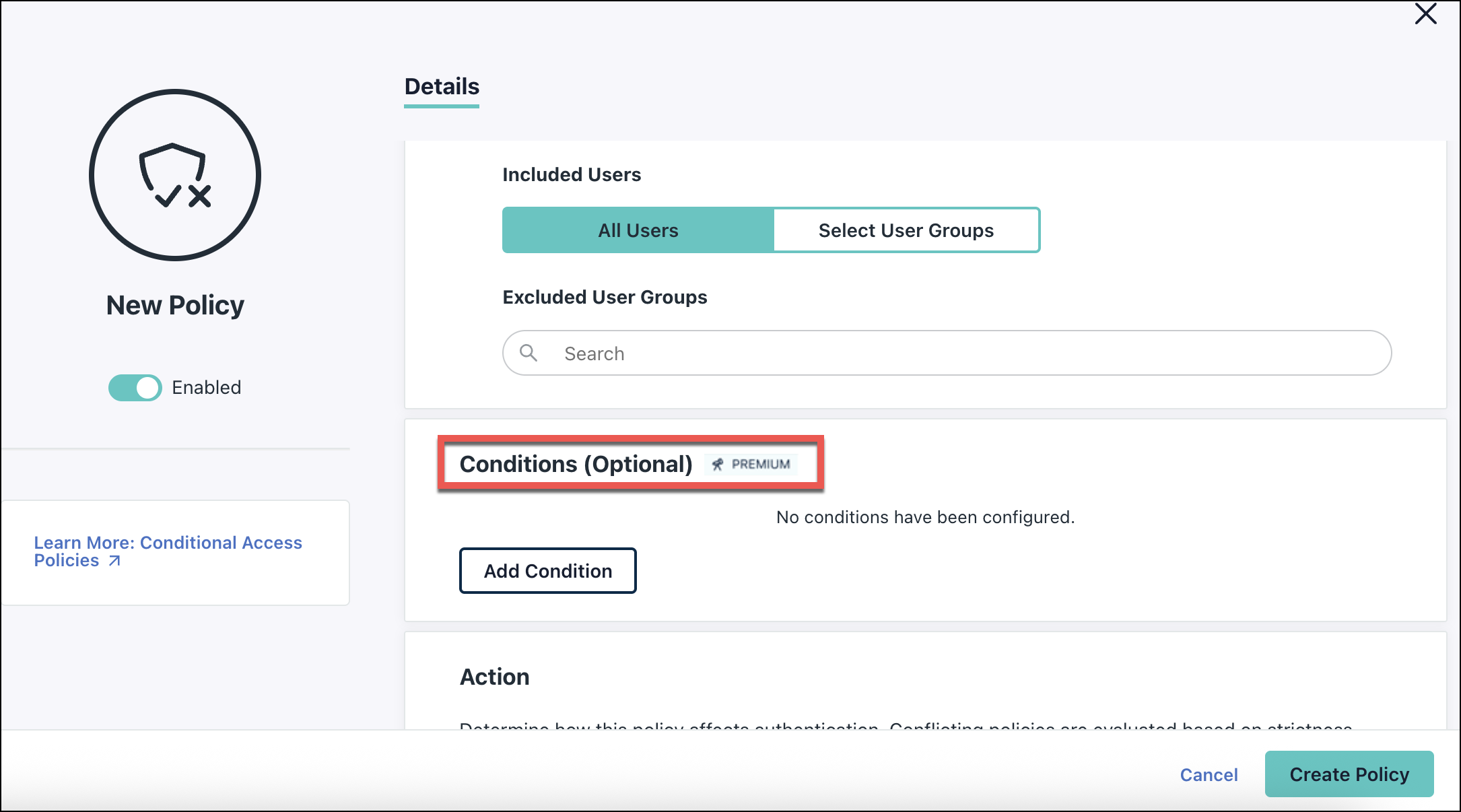
When configuring a policy under Security > Conditional Access Policies, you will see the PREMIUMbadge next to Conditions (Optional) if your organization does not have a plan that includes conditional access policies.
How It Works
You will have 30 days to explore premium features that are part of a trial free of charge. Refer to our Fair Use Policy and see Start or Stop a Trial to learn which premium features are part of a trial, and the steps required to initiate and end a trial.
You can also navigate to a premium feature’s page and review additional resources like product simulations and training videos before you begin a trial.
To learn which features are premium, go to the Account> Upgradepage in the Admin Portal. This is accessible to administrators in your organization who have Billing level access. See Admin Portal Roles.
Admins with Billing access can also purchase additional features by requesting an account upgrade. All other Admins can visit the JumpCloud Pricing page to explore our package and add-on plan options.
Was this information helpful?