Troubleshoot: Cannot Connect to a Resource by Hostname
In Privileged Access Management (PAM), you can register a server or a database with a hostname instead of an IP address. The connection to the resource does not start from your computer. The Jump Server connects to the resource, so the Jump Server must be able to resolve the hostname and reach the resource. In some networks, the Jump Server cannot resolve the hostname without extra DNS settings. When this happens, PAM cannot connect to the resource.
Check that the Jump Server resolves the hostname.
Symptoms: PAM cannot connect to a server or database that uses a hostname in the IP/Hostname field.
Resolution: Run the test on the Linux host where the Jump Server is installed. A test from your own computer is not enough, because the Jump Server can use a different DNS server.
-
Open the host where the Jump Server is installed.
-
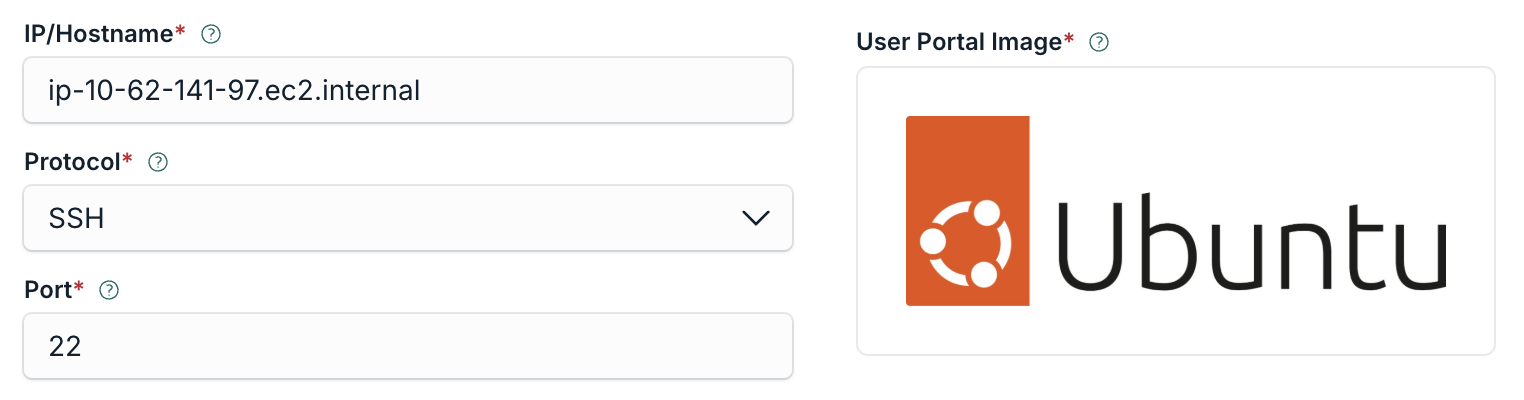
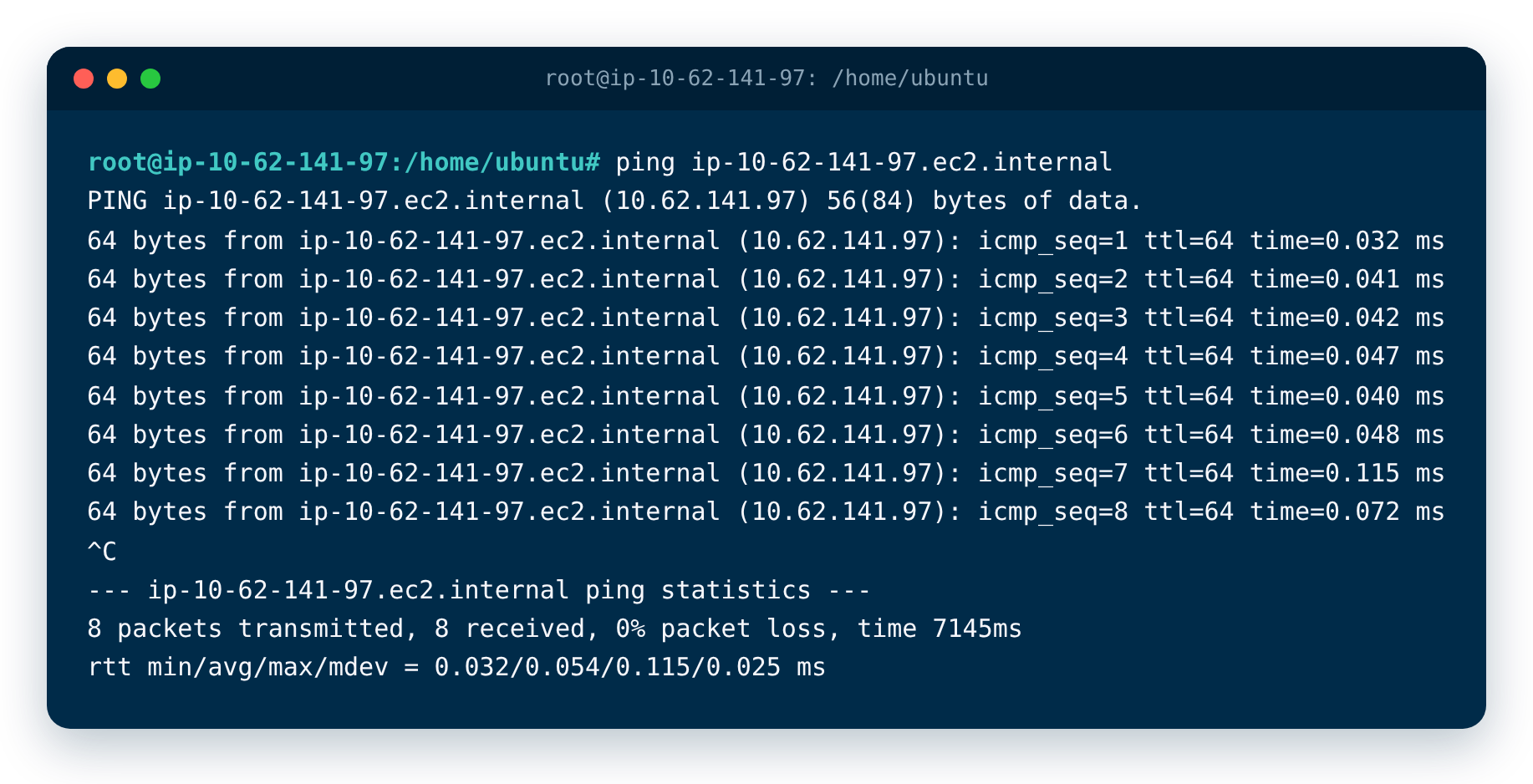
Run ping with the hostname that is registered in PAM. In PAM, the hostname is in the IP/Hostname field of the resource.
ping ip-10-62-141-97.ec2.internal
- Check the first line of the result. If it shows the IP address of the resource, the Jump Server resolves the hostname.
If the result shows Name or service not known, the Jump Server cannot resolve the hostname. Continue with the issues below.
You can use other commands to test the hostname. For example, nslookup shows how the hostname resolves, and nc tests the connection to the port of the resource. A successful result means that the Jump Server can connect to the resource by hostname.
nslookup ip-10-62-141-97.ec2.internal\ nc -zv ip-10-62-141-97.ec2.internal 22
Use the full hostname.
Symptoms: ping fails with the short name from the IP/Hostname field, but succeeds with the fully qualified domain name (FQDN).
Use the full hostname, also called the FQDN, instead of a short name. For example, use companyx.network.local instead of companyx. The Jump Server often cannot resolve a short name, but it can resolve the full hostname.
Resolution:
- Run ping with the short name and with the full hostname, and compare the results.
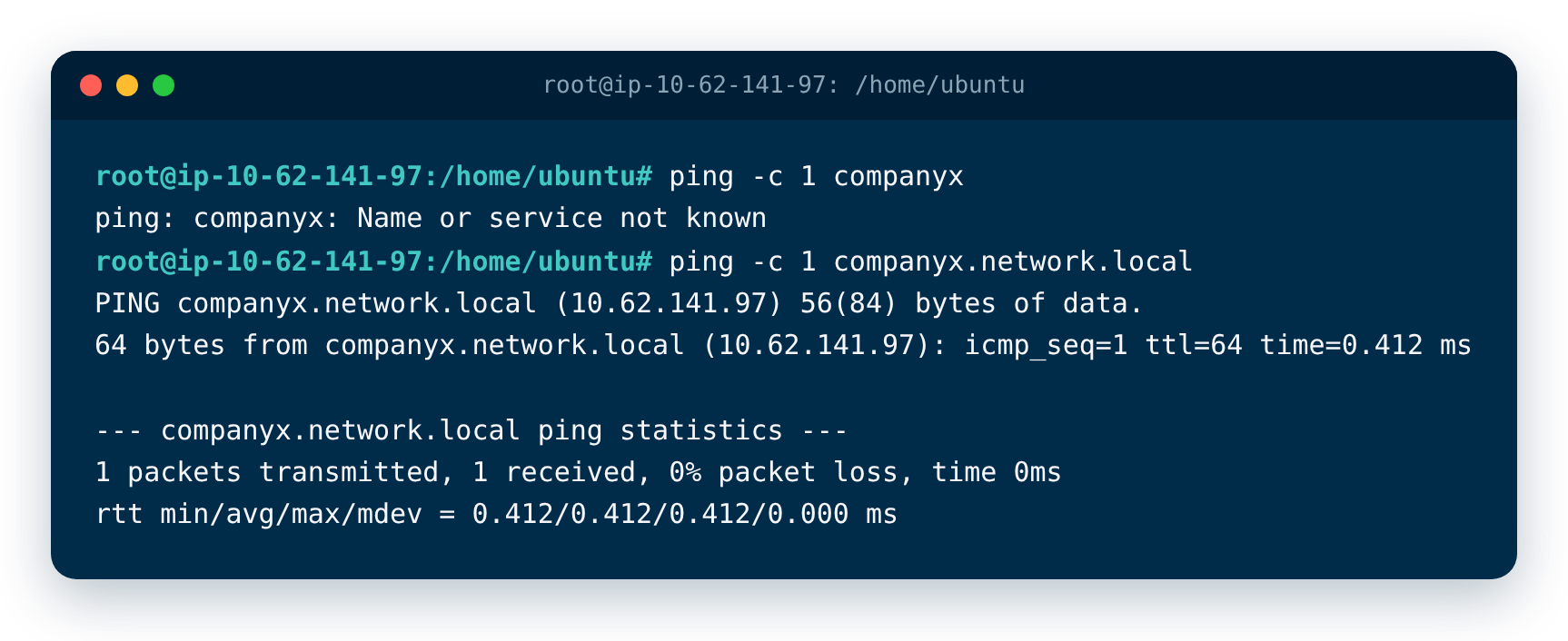
- If only the full hostname works, edit the resource in PAM and enter the full hostname in the IP/Hostname field.
If the full hostname does not resolve.
Symptoms: ping, nslookup, or nc on the Jump Server host fails for the FQDN in the IP/Hostname field, for example with Name or service not known.
The host of the Jump Server does not use a DNS server that knows the hostname of the resource.
Resolution: Ask your network team to configure the DNS of the Jump Server host so that it can resolve the hostname. Then run the ping command again.
Was this information helpful?