AI & SaaS Management: Sophos Connector
JumpCloud® AI & SaaS Management gives you visibility and control over shadow IT, including AI and SaaS app usage, within your org. Connectors detect shadow IT without adoption of a browser extension and provide a significant increase to valuable usage and security insights.
The Sophos Connector retrieves user information from the Sophos API. Using periodic polling for regular updates, it captures new users to keep data accurate and up-to-date.
Considerations
- Based on your organization’s size, the initial collection of data may take some time, up to an hour.
Configuring Sophos
- Log in to Sophos Central Partner.
- In the top right, go to General Settings.
- Click API Credentials Management.
- Click New App.
- Add a new set of credentials with at least a read only role.
- Click Copy to save the client ID and client secret.
Configuring JumpCloud
- Log in to the JumpCloud Admin Portal.
If your data is stored outside of the US, check which login URL you should be using depending on your region. If your organization uses LDAP, RADIUS, or requires firewall allow list configuration, the Fully Qualified Domain Names (FQDNs) will also be region specific. See JumpCloud Data Centers for the URLs, FQDNs, and IP addresses.
-
Go to Access > AI & SaaS Management > Settings.
-
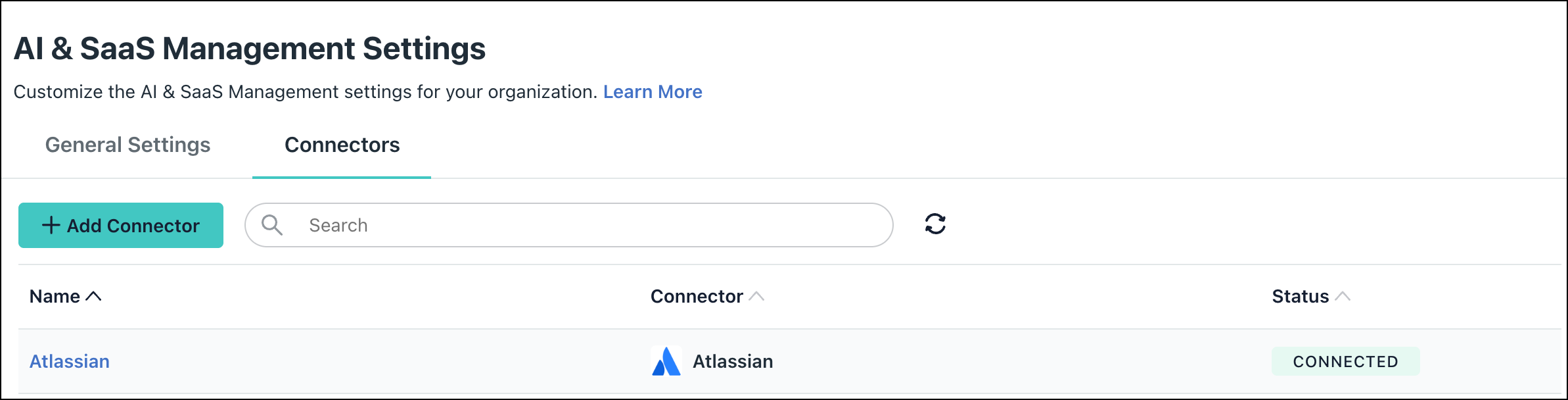
Under AI & SaaS Management Settings, click the Connectors tab, then click + Add Connector.
-
Click the Sophos connector.
-
Configure the following settings:
- Enter a Connector name.
- Enter the client ID and secret copied from Sophos.
-
Click Connect and then Save Connector.
-
You will now see Sophos in your list of Connectors.
If permissions are accidentally removed, or if the admin who configured left your organization, the connector will stop working and you will be prompted to Reconnect.

Uninstall/Remove
-
On the Connector’s detail page, click on Delete Connector and follow the prompts.
-
To revoke the permissions granted to JumpCloud, delete the credential created in Sophos > Credentials Management.
Was this information helpful?